


Updated October 3, 2026
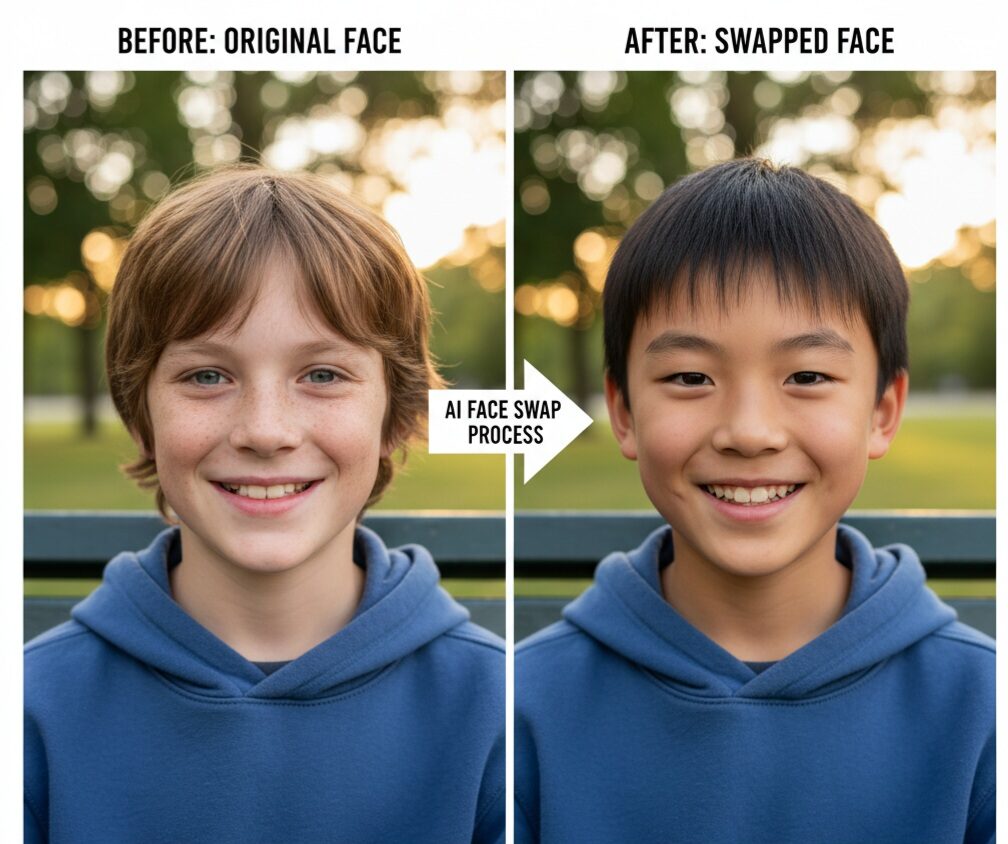
AI Face Swap Video: Overview
Creating face swap videos using AI is a very fun and creative task. You can create funny memes, parodies, or experiment with video editing to learn the craft. AI tools make the process easy and accessible. In this guide, we will walk you through the steps to create a realistic AI face swap video while using the technology responsibly.
What is an AI Face Swap Video?
A face swap video is a video where one person’s face is replaced with another person’s face, with the expressions and movements matched in such a way that it appears completely natural. AI makes this possible by using special models called “deep learning”, which can recognize facial features such as eyes, nose, mouth, etc., analyze how the face moves, and perfectly fit the new face into the original video. The better and clearer your photos and videos are to begin with (where the faces are clear, the lighting is good, and the shot is steady), the more realistic your final face swap video will look. AI tools can reduce hours of manual editing to just minutes.
Choose the Right AI Face Swap Tool
There are many tools available that can help you swap faces with AI, from mobile apps to website-based platforms. Some Face Swap AI tools allow you to do basic tasks for free, while others offer more control but may require you to pay or open an account. Look for a tool that:
- Is beginner-friendly and easy to use
- Produces high-quality and realistic results.
- Protects your privacy and data.
- Completes the process in a short amount of time.
You do not have to learn any complicated software. Several platforms let you upload your video and face images, then automatically perform the face swap. You can usually see a preview before downloading the final video.
Step-By-Step Process for Creating an AI Face Swap Video
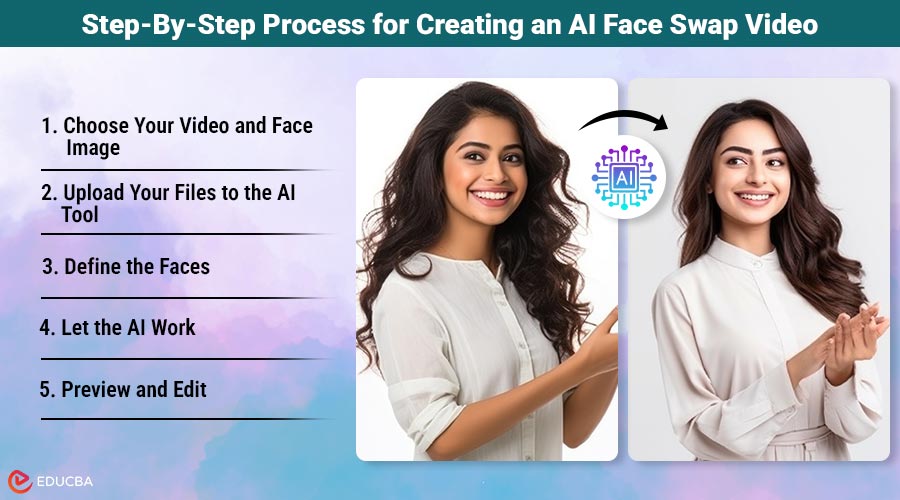
Follow these detailed steps to create a realistic and fun AI face swap video with ease.
Step 1: Choose Your Video and Face Image
Start by choosing the video whose face you want to swap. For the “new” face, take a high-quality, straight-up photo or video clip of the person whose face you want to replace. Both the video and the image should be well-lit and clear. A face looking directly at the camera usually works best.
Step 2: Upload Your Files to the AI Tool
Open your preferred AI face swap platform and upload the original video and the new face image. Each tool has a different file format and size limits for uploading, so check them out beforehand.
Step 3: Define the Faces
Some tools may require you to manually identify or crop specific parts of the face, while others may automatically recognize multiple faces (if there are multiple faces in the video). This ensures that the AI knows exactly which faces to swap.
Step 4: Let the AI Work
Now the AI will do its job. It will map facial features, track expressions, and place the new face in the video frame. This process can take anywhere from a few seconds to a few minutes, depending on the video’s length and the tool’s speed.
Step 5: Preview and Edit
Once the processing is complete, take a good look at the video. Most platforms allow you to preview it so you can check if the face swap looks smooth and natural. If something does not look right—such as edges that appear odd or inconsistent lighting—you can adjust the settings or try again with a different photo.
Step 6: Download and Share
When you are happy with the results, download your face swap video. Select the format based on where you will be using it (such as sharing on social media or watching it for yourself).
Tips for Making a Good Face Swap Video
Using clear and well-lit videos and photos will have a significant impact on the results. The angle of the face should be the same in the video and the image so that the swap will look more natural. Keep the video short (under a few minutes), so the processing will be faster. Remember, AI works based on the data you give it. There is a risk of mistakes if there is excessive movement, a blurry face, or sudden changes in lighting.
Pros and Cons of AI Face Swapping
Here is a brief overview of the advantages and potential drawbacks of using AI for face swap videos.
- Pros: AI face swap can be done by anyone, with just a smartphone or computer. It opens up numerous creative possibilities for entertainment, storytelling, and social media. It simplifies a complex process that previously required expensive software and specialized skills.
- Cons: AI can sometimes make mistakes when lighting or expressions do not match, or when there are too many faces in the video, which can make the video look weird. The results are not always perfect. Skin tones may not match exactly, or movements may look a little awkward. Processing can take time, or you may have to pay for high-resolution video.
- Ethical issues: It is essential to obtain permission from the individual whose face you are using. Misusing this technology spreads deceptive or harmful content, especially when it impersonates someone without their consent. Stating that AI created your content helps build trust.
Final Thoughts
Creating an AI face swap video is a great experience that combines technology and creativity. Anyone can create fun and realistic videos with AI face swap. Just remember to use these tools responsibly. Respect others’ privacy and always include a disclaimer when using AI in your video. If you keep these tips in mind, your face swap videos will delight your friends and followers.
Author Bio:

Ali Izhar is a guest blogging and premium link-building expert specializing in boosting website authority and search rankings through high-quality backlinks.
Recommended Articles
We hope this guide to creating an AI face swap video inspires your creativity. Check out these recommended articles for more AI editing tools.


