


Updated June 26, 2026
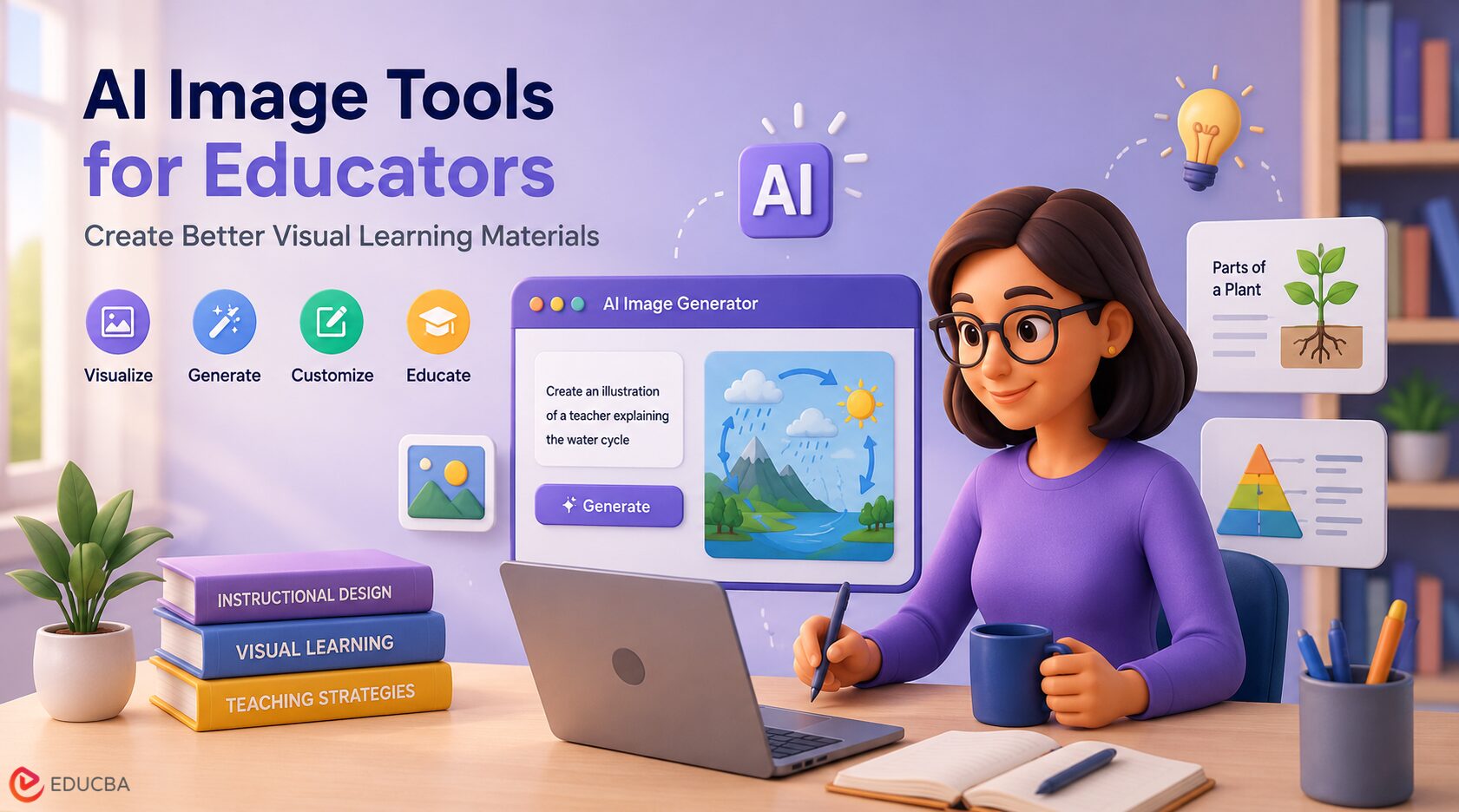
Visual learning has always been an important part of education. Diagrams, posters, process maps, example scenes, and slide illustrations can make difficult ideas easier to understand. The challenge is that creating these visuals often takes time, design skill, and budget. Many teachers, trainers, and course creators know what they want to explain, but they may not have access to a designer every time they need a new image.
AI image tools for educators are changing that workflow. They allow educators to describe the visuals they need in plain language and generate draft images that can be refined, reviewed, and adapted for lessons, online courses, presentations, and training materials. Used carefully, these tools can help educators create clearer learning experiences without replacing the judgment of the teacher or subject expert.
Why Visuals Matter in Learning?
A good educational visual does more than make a page look attractive. It supports understanding. For example, a biology teacher may use a labeled diagram to explain cell structure. A business trainer may use a process illustration to show how a customer support workflow moves from request to resolution. A language teacher may use scene-based images to help students connect vocabulary with real-world situations.
Visuals are especially useful when learners need to compare, remember, or apply information. They can simplify complex systems, show relationships between ideas, and provide context for abstract concepts. In digital learning, visuals also help maintain attention, as many learners read on screens and switch between multiple tasks.
However, generic stock photos are not always suitable for teaching. They may look polished, but they often fail to show the exact situation, concept, or sequence that the lesson requires. Custom visuals are more useful, but they traditionally require more time and production resources.
This growing demand for customized teaching resources is one reason why AI image tools for educators are becoming increasingly valuable. They help teachers and trainers create visuals tailored to specific learning objectives, rather than relying on generic stock images.
How AI Image Tools for Educators Support Better Learning?
AI image tools for educators help fill this gap by speeding up the creation of custom visuals. Instead of searching for a perfect image, an educator can describe what the image should show. A prompt might ask for a classroom scene, a step-by-step process, a historical illustration, a product example, or a simplified concept diagram.
For example, an online course creator teaching project management could generate a visual showing a team planning tasks on a whiteboard. A science educator could create an illustration of water moving through the water cycle. A corporate trainer could generate scenario-based images for workplace safety, customer service, or onboarding materials.
Not every AI-generated image is ready to use as-is. The best approach is to treat the output as a draft. Educators should check whether the image is accurate, appropriate for the intended audience, and supports the learning objective. Any text, labels, numerical data, or technical information within the image should be carefully verified to ensure accuracy and clarity.
Practical Use Cases for AI Images in Education
One common use case is slide design. Many educational slides rely on bullet points, but a relevant visual can make the idea easier to follow. AI image tools can help create header images, section dividers, diagrams, and example scenes that match the lesson topic. Whether designing classroom lessons or corporate training materials, AI image tools for educators make it easier to create visuals that align with specific topics, audiences, and learning outcomes.
Worksheets and handouts are another practical fit. Teachers can create simple illustrations for vocabulary exercises, writing prompts, science activities, or discussion questions. These images can make printed and digital materials more engaging without requiring a separate design process.
Course creators may use AI images for thumbnails, module covers, and lesson previews. A consistent visual style can make an online course feel more organized and professional. This is useful for independent educators, training teams, and small businesses that frequently publish learning content.
Scenario-based learning is another strong fit. Instead of describing a situation only in text, a trainer can show a realistic scene and ask learners to identify problems, make decisions, or explain what should happen next. This works well for customer service, healthcare training, safety training, and business communication lessons.
Choosing the Right AI Image Tool
When selecting AI image tools for educators, it is important to look beyond novelty. The tool should support clear prompts, useful output sizes, and enough control to match the learning material. High-resolution output is helpful when images will be used in slides, PDFs, posters, or printed classroom resources.
It is also useful to choose a tool that supports different aspect ratios. A square image may work well for a worksheet, while a wide image may be better for a presentation slide or course banner. For educators who create multilingual or text-heavy materials, text rendering quality is also important because many AI image tools distort or misspell generated text, which matters when images include labels, captions, or interface examples.
A tool like Nano Banana Pro can be used in this workflow when educators need high-resolution AI visuals for course content, training materials, posters, or presentation assets. The important point is to use the tool as a creative assistant, not as an unchecked source of truth.
A Simple Workflow for Better Results
A practical workflow starts with the learning objective. Before generating an image, the educator should ask, “What should the learner understand after seeing this visual?” This question helps keep the image focused.
Following a structured process helps educators get the most value from AI image tools, ensuring that every generated visual supports the intended learning objective.
Next, the prompt should describe the subject, context, style, and format. A weak prompt might say, “Make an image about teamwork.” A stronger prompt might say, “Create a clean instructional illustration of a five-person team organizing tasks on a project board in a modern office, suitable for a business training slide, 16:9 aspect ratio, simple professional style.”
After generating the image, the educator should review it for accuracy. Are the objects correct? Does the visual support the lesson? Is anything confusing, biased, or distracting? If the image includes people, is the representation appropriate and respectful? If the image includes text, is it readable and correct?
Finally, the visual should be tested in context. An image that looks good on its own may not work inside a slide, handout, or learning management system. Educators should check readability, size, contrast, and whether the image leaves enough space for headings or captions.
Accuracy and Ethics Still Matter
AI image tools can save time, but they do not remove the need for professional judgment. Educational materials should be accurate, accessible, and fair. Images should not present misleading information, reinforce stereotypes, or show unsafe practices without explanation.
Accessibility is also important. Educators should consider contrast, simple composition, and alternative text where possible. A visual should help learners, not create another barrier. When an image is used to explain a key concept, the surrounding text should still make the idea understandable.
Final Thoughts
AI image tools for educators are making it easier to create engaging, customized visuals for lessons, online courses, and training programs without the time and cost traditionally associated with design. From simplifying complex concepts to enhancing presentations and supporting scenario-based learning, these tools enable educators to deliver more impactful learning experiences while focusing on their core teaching objectives.
The best outcomes come from combining AI-generated visuals with human expertise, careful review, and well-defined learning goals. When used responsibly, AI image tools for educators can improve the quality, clarity, and accessibility of educational content, making them a valuable addition to modern teaching and instructional design rather than a replacement for professional knowledge.
Recommended Articles
We hope this guide on AI image tools for educators helps you create engaging visual learning materials that improve teaching and learner outcomes. Explore these recommended articles for more insights, practical strategies, and emerging trends in AI-powered education and instructional design.


